 Acapella Grid
Grids for up to 9 voices
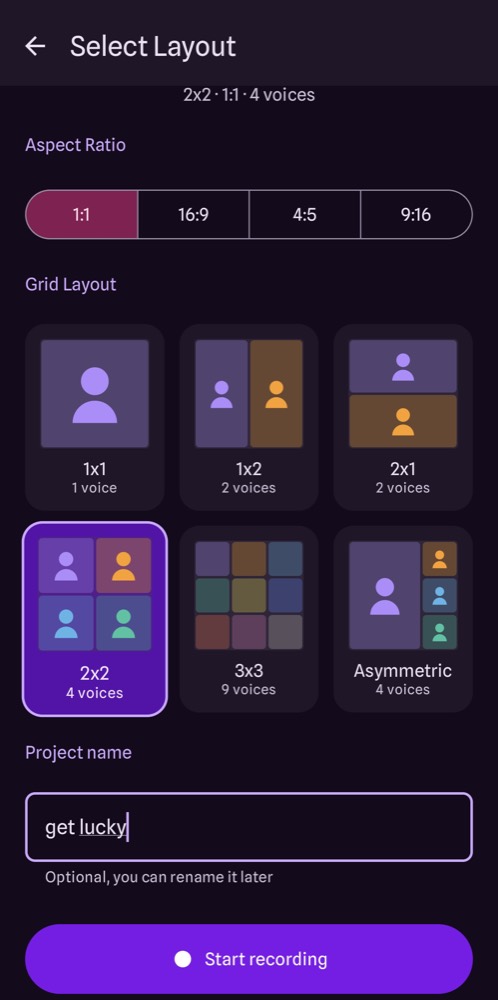
1x1, 1x2, 2x1, 2x2, 3x3 and an asymmetric layout, in 9:16, 4:5, 1:1 or 16:9 for every feed.
Pick a grid, record the melody, then add harmonies, bass and beatbox one frame at a time. Acapella Grid lines your takes up and turns them into one video you can share.
Android 10 or later. The iPhone version (iOS 17 or later) is on its way.
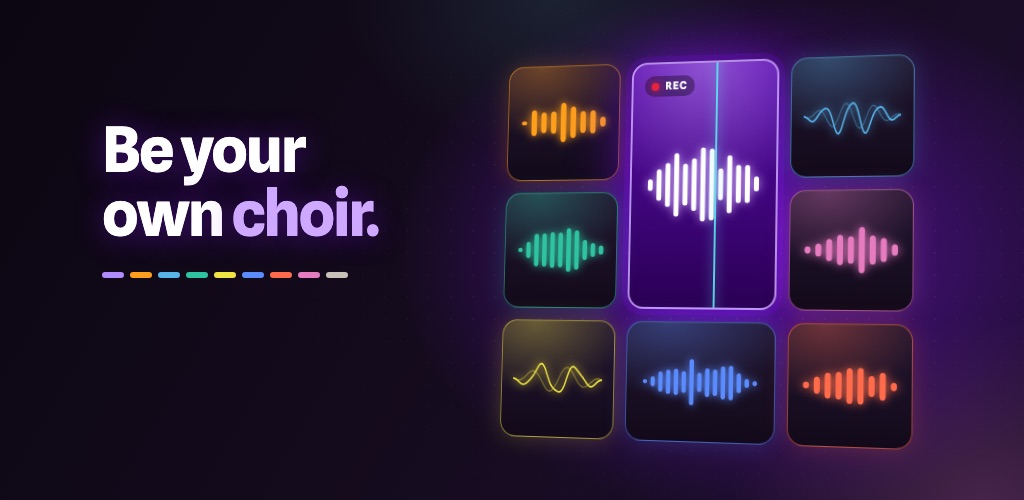
Everything you need to record a multi-part cover alone, from the first note to the finished video.
1x1, 1x2, 2x1, 2x2, 3x3 and an asymmetric layout, in 9:16, 4:5, 1:1 or 16:9 for every feed.
Your earlier parts play in your headphones while you sing the next one, so everything fits together from the start.
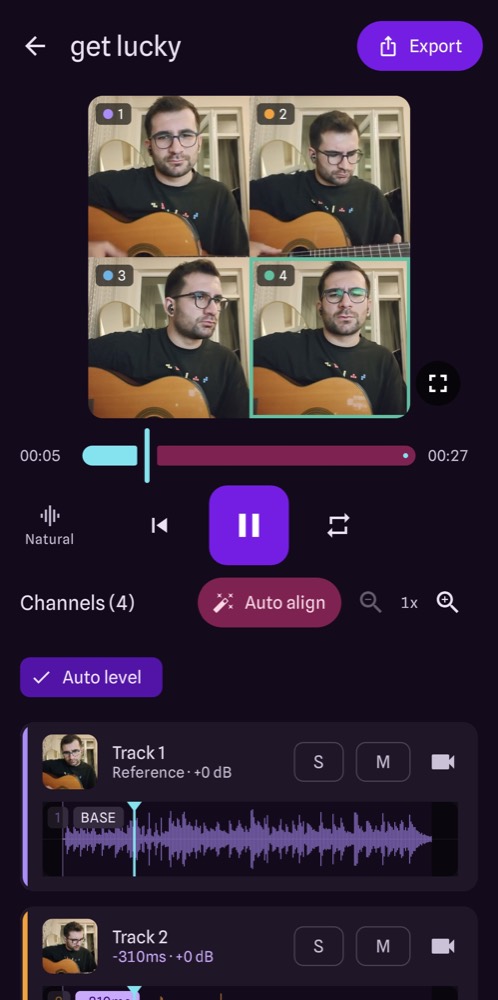
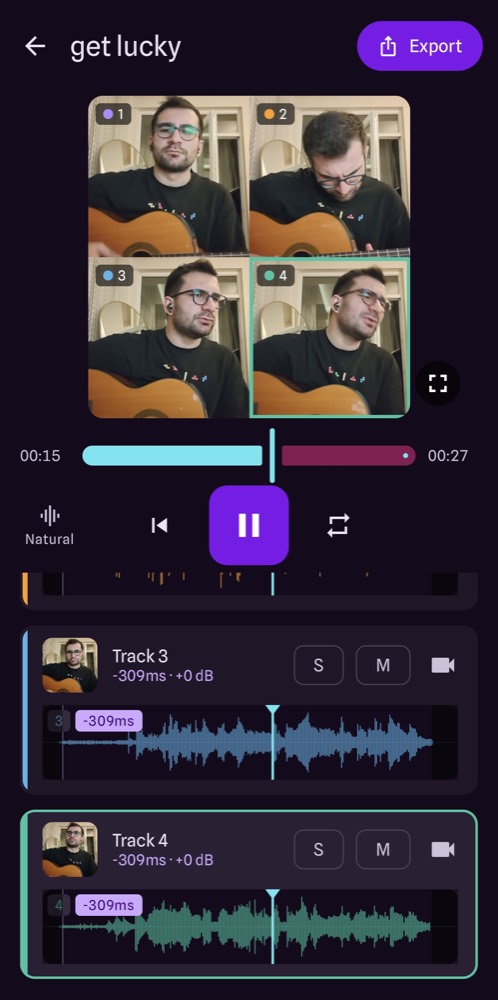
One tap lines up all your takes, with undo. Latency compensation for wired and Bluetooth headphones does the rest.
Balances the voices so no part drowns out the others. Fine-tune volume, solo, mute and timing per track.
Natural, Studio, Hall, Cathedral or Lo-fi radio, with adjustable intensity.
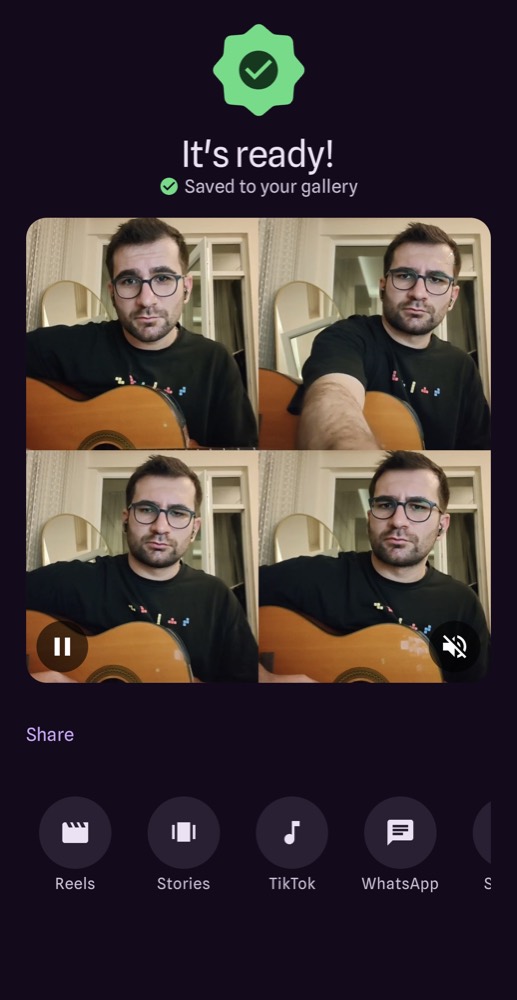
One combined video up to 1080p with a small Acapella watermark, saved to your gallery and ready for Reels, TikTok and more.
No account, no ads, no analytics. Projects live on your device and leave it only when you share a video yourself. Read the privacy policy.